🔥 One of Our Most Popular Galactic Gleam 35K Devices Is Now Just $11.49 — US Warehouse

Sign in
If you do not have an account, click Create AccountCreate Account
ARE YOU OF LEGAL SMOKING AGE?
Some items are no longer available. Your cart has been updated.


This discount code cannot be used in conjunction with other promotional or discounted offer.

If you are new to VAPEPIE or want to get the best performance from your device, this guide covers the basic setup and everyday use for the most popular VAPEPIE disposable vapes.
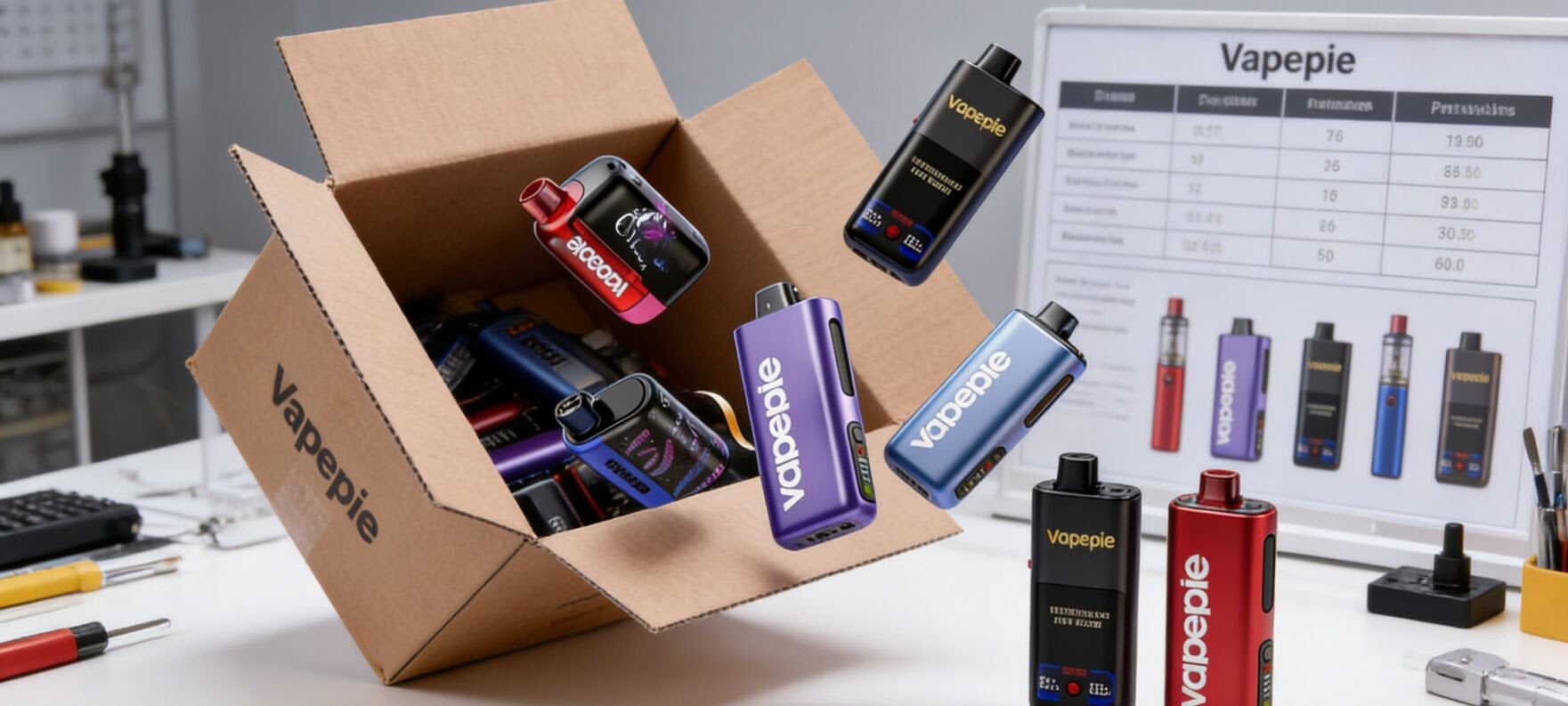
Whether you are using the latest VAPEPIE Mega 70000 or the compact VAPEPIE FlexSwitch 10000, the steps are simple and beginner-friendly.
Most VAPEPIE devices work in a similar way. Follow these steps before your first puff.
1. Remove All Packaging
Take the device out of the box and remove:
These seals prevent leaks during shipping and must be removed before use.
2. Charge the Device (If Needed)
Many high-puff VAPEPIE models include rechargeable batteries and a USB Type-C charging port.
Before using the device, it is a good idea to charge it until the battery indicator shows full power.
3. Adjust Airflow or Power Settings
Some VAPEPIE models include adjustable airflow, dual modes, or smart screens.
Depending on your preference, you can choose:
4. Inhale to Activate
VAPEPIE devices are draw-activated. There are no buttons to press.
Simply inhale through the mouthpiece and the device will produce vapor automatically.
5. Monitor Battery and E-Liquid Levels
Models with a display screen show useful information such as:
Recharge the device when battery power is low.
VAPEPIE Mega 70000 Puffs
The flagship VAPEPIE device with ultra-high puff capacity and advanced smart features.
Best Tips
VAPEPIE MATRIX 50000 Puffs
Designed for long-term use with stable flavor and large vapor production.
Best Tips
VAPEPIE Max 40000 Puffs
A popular model known for excellent flavor consistency and reliable battery life.
Best Tips
VAPEPIE GhostAir 40000 Puffs
Features a sleek design and smooth airflow.
Best Tips
VAPEPIE Galactic Gleam 35000 Puffs
Combines strong flavor with a futuristic design.
Best Tips
VAPEPIE x TK Ultra Phantom 30000 Puffs
A collaboration model featuring an advanced display and premium flavors.
VAPEPIE Galactic Gleam 25000 Puffs
A compact but powerful disposable with dependable performance.
Best Tips
VAPEPIE AirRush 20000 Puffs
Lightweight and easy to carry.
Best Tips
VAPEPIE x TK Ultra X 15000 Puffs
Delivers strong flavor in a convenient, pocket-sized design.
Best Tips
VAPEPIE FlexSwitch 10000 Puffs
Compact device with convenient mode-switching features.
Best Tips
Charging Tips
Device Not Hitting
Weak Flavor
No Vapor Production
To keep your device performing at its best:
Replace your device when:
Do all VAPEPIE devices need charging?
Most high-puff models are rechargeable and use USB Type-C charging.
Can I refill a VAPEPIE disposable?
No. These devices are pre-filled and designed for single use.
Which VAPEPIE model lasts the longest?
The VAPEPIE Mega 70000 offers the highest puff capacity in the current lineup.
VAPEPIE disposable vapes are designed to be simple, reliable, and flavorful. No matter which model you choose, the setup process is straightforward: remove the seals, charge the battery, and inhale.
If you have used any of these devices, feel free to share your experience, favorite flavors, and tips in the comments below.
Comment